
Download Black clock lock screen – Android, personalization, lockscreen, wallpaper, free, secure
Overview
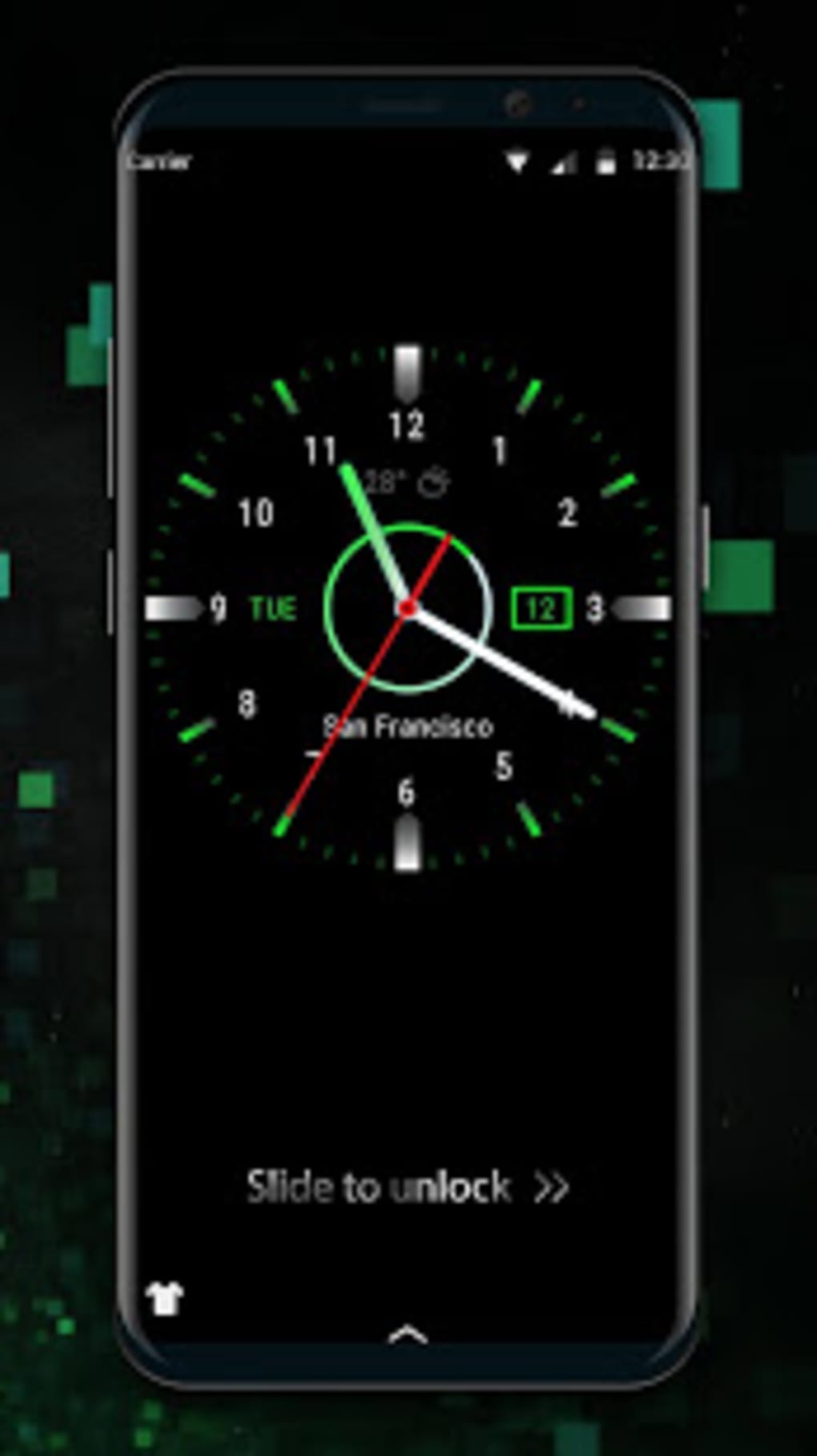
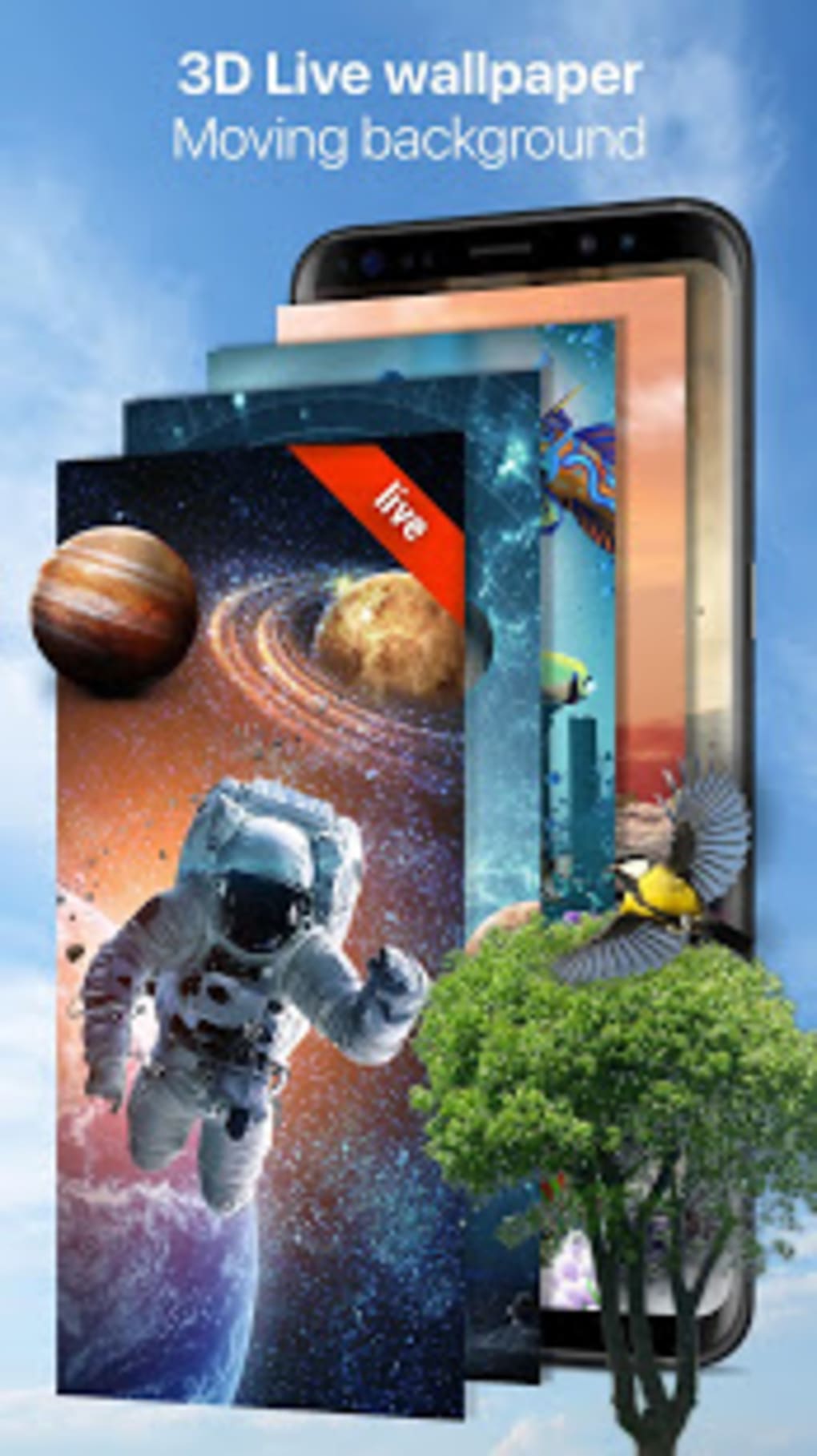
Black clock lock screen is a desktop-style personalization tool designed for Android devices, offering users a way to refresh their device’s visual identity through customizable lockscreen and wallpaper options. The application allows users to apply high-resolution designs, including futuristic and space-inspired themes, enhancing both aesthetic appeal and user experience. It serves as a utility for individuals seeking to personalize their mobile devices with minimal effort, particularly those who value visual customization and device security.
While the app is developed by the Weather Widget Theme Dev Team, no additional information about the developer’s background or history was provided. Real-world use cases include personalizing a smartphone for daily use, securing sensitive data through customizable lock types, and maintaining a consistent visual theme across the device interface. The tool is especially suited for consumers who prioritize both style and functionality in their mobile experience.
Key Features & Capabilities
- Custom Lockscreen and Wallpaper Selection – Users can browse and apply a wide range of high-quality, full HD wallpapers directly from within the app, enabling a seamless personalization process.
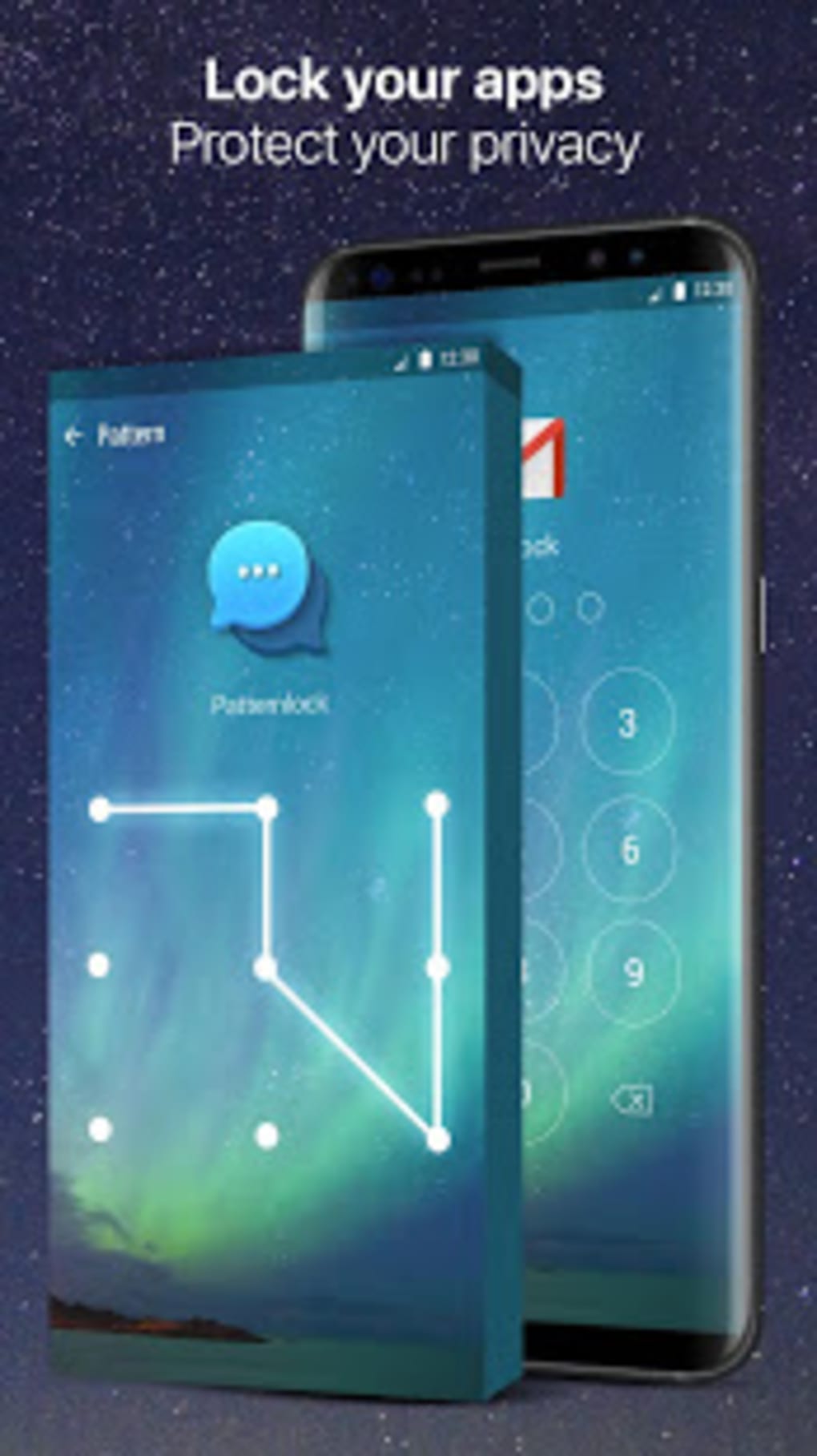
- Multiple Lock Types – The app supports classic slide, pattern, and PIN-based lock mechanisms, allowing users to secure their device with a method that suits their preference.
- App-Level Locking – Users can apply lock protections to specific apps, helping safeguard private files, messages, and sensitive conversations from unauthorized access.
- Theme Store Integration – The application includes an in-app theme store, providing access to a variety of design options that can be applied with a single tap.
- Simple Application Workflow – The interface is designed to allow users to select, preview, and apply themes or locks with minimal navigation steps.
These features collectively enable users to create a unique device identity while maintaining a secure environment. For example, a user might choose a space-themed wallpaper and set a PIN lock to protect their messaging app. The ability to apply changes directly from the app streamlines the process, reducing the need to switch between multiple settings menus.
User Interface, Workflow & Performance
The user interface appears to follow a clean, intuitive layout, with a focus on visual content and easy access to customization tools. Navigation is likely structured around a central theme gallery, where users can scroll through available designs and apply them with minimal interaction. The workflow emphasizes simplicity, allowing users to select a theme, preview it on a simulated device screen, and apply it with a single action.
Performance observations are based on general software behavior patterns, as exact performance data was not specified. The developer did not provide additional system requirements or resource usage details. Stability and responsiveness are expected to be consistent with typical Android applications of this category, though some users may experience delays when loading the theme store.
The app’s reliance on background processes for theme rendering and lock management could impact battery life, though this was not confirmed in available documentation.
Installation and Accessibility
Installation is expected to follow standard Android procedures, requiring users to download the application from a trusted source and grant necessary permissions. The interface is designed for ease of access, with all core features located within a few taps from the main screen. However, the need to grant multiple permissions may affect user trust, particularly when accessing call and message logs.
Compatibility & System Requirements
Black clock lock screen is designed for Android devices, though specific OS version compatibility was not listed. The application is available for download on Android platforms, and the installation size is not specified. The developer did not provide detailed hardware or system requirements. Compatibility information was partially provided, leaving users to rely on general Android device capabilities. Users should ensure their device meets standard Android software requirements to run the application effectively.
Pros and Cons
Pros
- Offers a wide selection of high-quality, full HD wallpapers and themes
- Supports multiple lock types for enhanced device security
- Allows app-level locking to protect private data
- Simple, intuitive interface with minimal navigation steps
- Free-to-use with no in-app purchase prompts mentioned
Cons
- Requires access to sensitive permissions, including call and message logs
- Theme store may fail to display available images in some cases
- No detailed system requirements or performance metrics provided
- May impact battery life due to background processes
- Limited developer transparency regarding updates and support
FAQ Section
Is Black clock lock screen compatible with my Android device?
Compatibility depends on your device’s Android version and system specifications. The developer did not specify exact compatibility details, so users should ensure their device meets standard Android software requirements.
Is the app safe to download and use?
Black clock lock screen is available as a free tool, but it requires access to sensitive permissions such as call and message logs. Users should download the app from trusted sources and review permissions carefully before installation.
Does the app require an internet connection?
While the app may function offline for basic customization, the theme store and certain features may require an active internet connection to load content and updates.
Can I use the lock features to secure individual apps?
Yes, the app supports locking specific applications, allowing users to protect private files, messages, and sensitive data from unauthorized access.
How often are updates released?
Information about update frequency was not provided by the developer. Users should check the app store regularly for new versions and improvements.
Final Thoughts + CTA
Black clock lock screen delivers a compelling mix of aesthetic customization and security functionality, making it a viable option for Android users who want to personalize their device while maintaining control over access. The app’s collection of high-resolution wallpapers and support for multiple lock types offer real value, especially for users seeking both style and protection. However, the need to grant sensitive permissions and occasional issues with the theme store may hinder the user experience for some.
Despite these limitations, the app remains a solid choice for those prioritizing visual appeal and basic security. With a free model and straightforward interface, it stands out as a practical tool for daily use. Download Black clock lock screen now.





.png)

